In-depth review
Epson FastFoto FF-680W Photo Scanner Review (2027)
The FF-680W feeds a photo per second with single-pass duplex and auto-enhance. Our research-based verdict on the fastest way through a print collection.
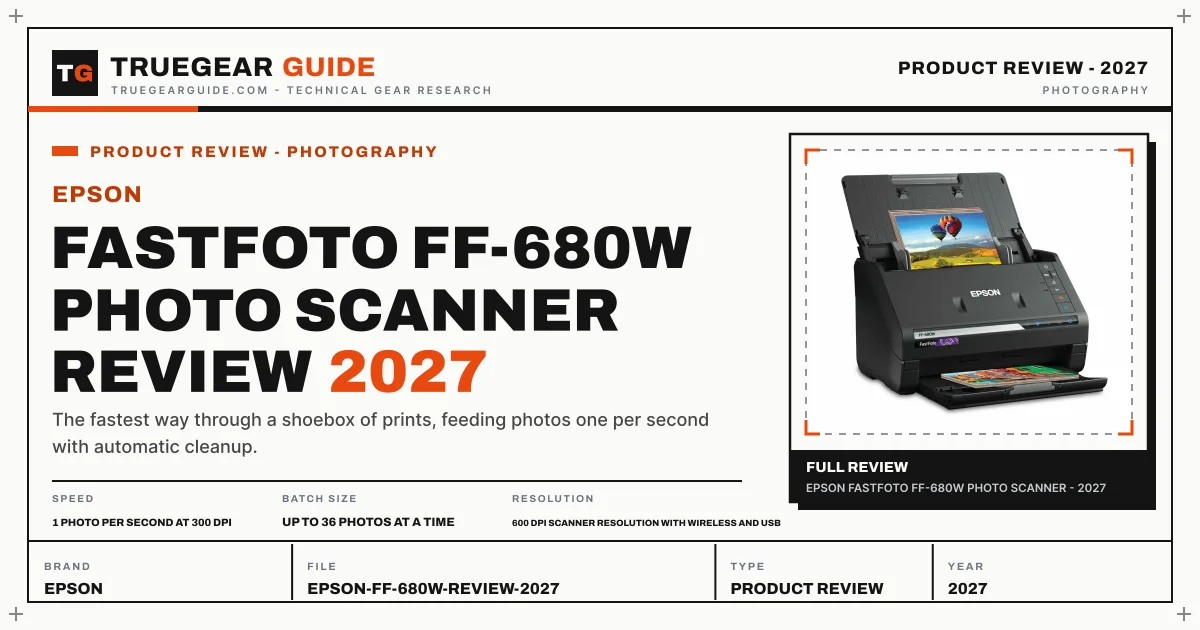
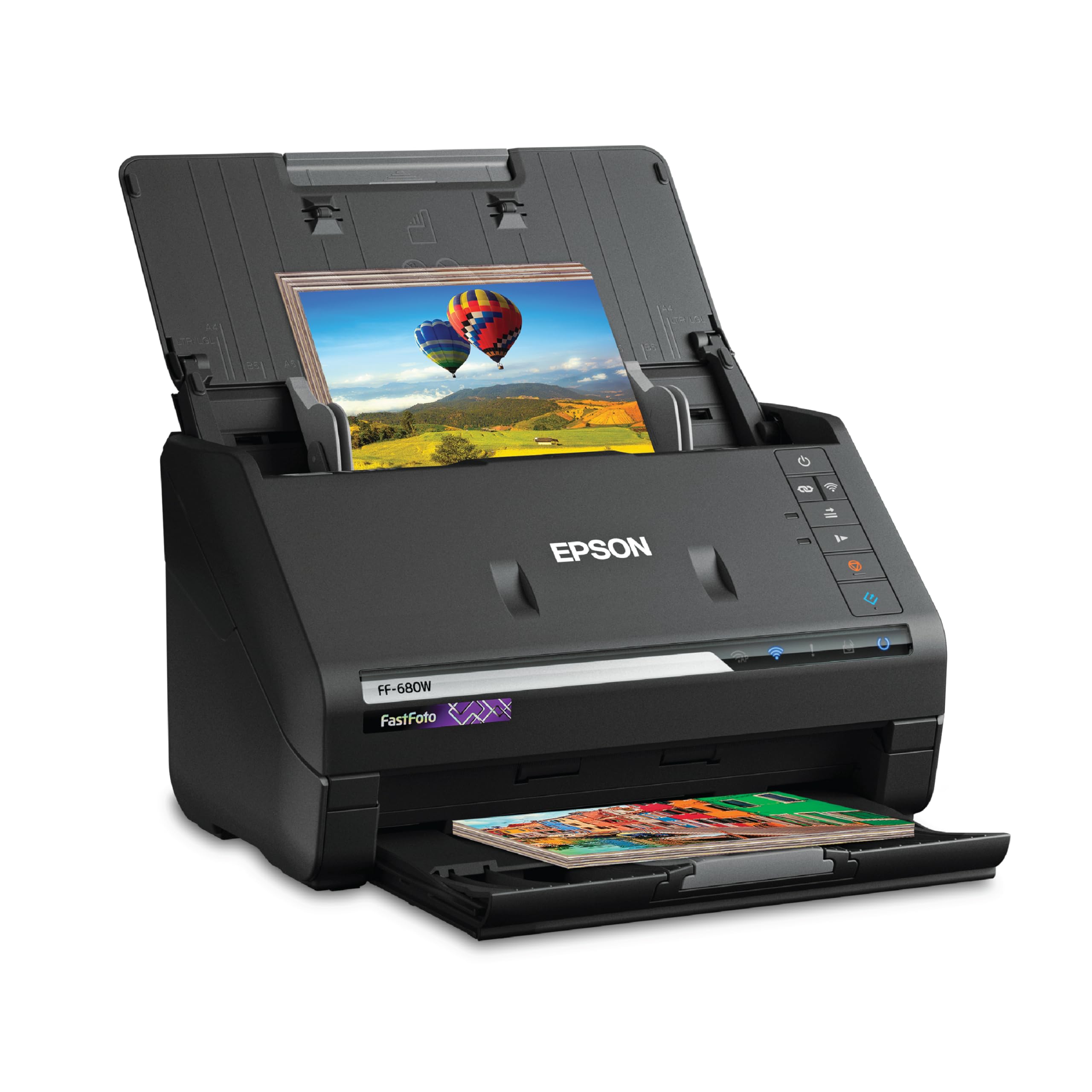
Epson FastFoto FF-680W Photo Scanner
The fastest way through a shoebox of prints, feeding photos one per second with automatic cleanup.
Our verdict
The FF-680W is the fastest honest route through a shoebox of prints. It scans a photo per second at 300 dpi, feeds up to 36 photos at a time, captures the notes on the backs of prints with single-pass duplex, and auto-enhances faded prints as they feed. Its limits are absolute: no film or slides, a 600 dpi ceiling, and curled or fragile prints that jam or skew. For loose prints in volume, nothing else here comes close. For anything else, buy a flatbed.
What we like
- Scans a photo per second at 300 dpi so big batches finish fast
- The feeder takes up to 36 photos at a time
- Wireless and USB links send scans to a computer or phone app
- Single-pass duplex captures notes written on the back of prints
What to watch out for
- No film or slide scanning, so negatives need a different scanner
- 600 dpi ceiling limits how far prints can be enlarged
- Curled or fragile prints can jam or skew in the feeder
- The unit is loud and bulky for a home desk
What owners report: Epson FastFoto FF-680W Photo Scanner
Synthesized from recurring themes in long-term owner feedback.
Most praised
- A box of prints that sat for years turns into files in an afternoon
- The auto-enhance pass makes faded prints look brighter without extra editing
- Feeding a stack and walking away feels effortless
Common complaints
- Older curled prints sometimes feed crooked and need a second pass
- The software occasionally mis-crops a photo edge
- High-resolution scans slow the advertised pace considerably
Who it is for
Anyone with hundreds or thousands of loose prints to digitize in a weekend.
Speed is the whole product
One photo per second at 300 dpi is the headline, and it changes the shape of an archiving project: a box of prints that sat for years turns into files in an afternoon, instead of a project measured in weekends. The 36-photo feeder means the owner loads a stack and walks away, and the wireless and USB links send scans to a computer or a phone app. The auto-enhance pass makes faded prints look brighter without extra editing, which owners mention often. At higher resolutions the pace slows considerably, so the advertised speed belongs to 300 dpi work, and buyers should plan on that.
Duplex: the feature that saves the notes
Single-pass duplex captures both sides of a print in one pass, which matters because the backs of old photos carry the names, dates and places that make the front meaningful. A flatbed can capture the back too, but only as a second manual scan. The FF-680W does it automatically, and owners who inherited annotated collections call it the feature that justifies the purchase on its own. It is a small detail with an outsized effect on the value of the archive.
The limits, honestly stated
The FF-680W cannot scan film or slides, so negatives need a different scanner entirely. The 600 dpi ceiling limits how far prints can be enlarged, which rules out reprinting small prints at large sizes. Curled or fragile prints can jam or skew in the feeder, and the unit is loud and bulky for a home desk. The software occasionally mis-crops a photo edge, which needs a second pass. Buyers with mixed collections should pair it with a flatbed like the V600: the feeder for the loose prints, the flatbed for everything else.
Key specifications
- Speed
- 1 photo per second at 300 dpi
- Batch size
- Up to 36 photos at a time
- Resolution
- 600 dpi scanner resolution with wireless and USB
- Duplex
- Single-pass duplex scanning
- App
- Sends scans to a smartphone app
- Media
- Handles photos and documents
Also consider

Plustek ePhoto Z300 Photo Scanner
A compact photo feeder that turns a stack of prints into files in about two seconds per photo.
Why consider it: The smaller, quieter photo feeder, for print collections that do not justify the FastFoto
- Speed: 2 seconds per 4x6 photo
- Resolution: 600 dpi optical resolution
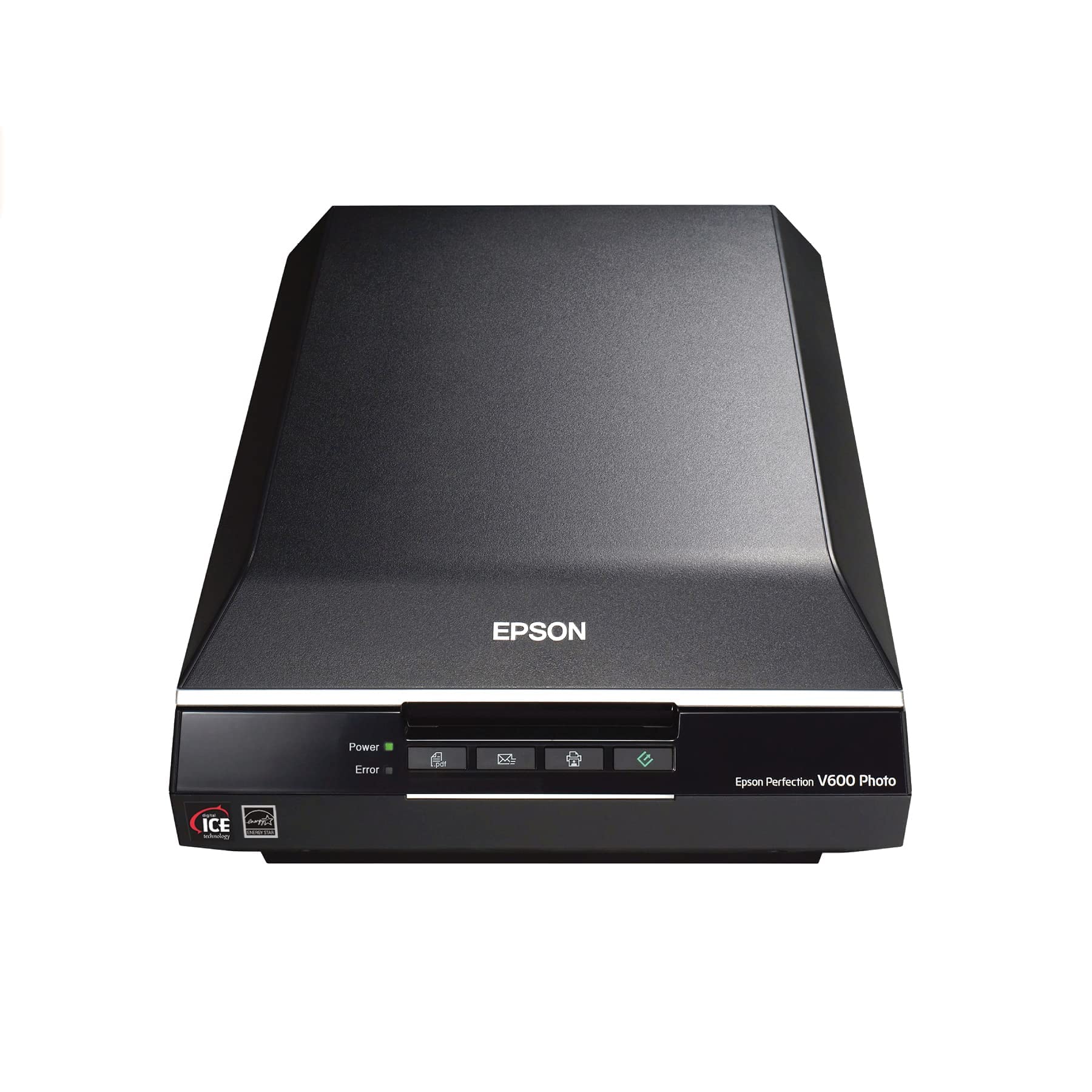
Epson Perfection V600 Photo Scanner
The classic flatbed for prints and film, with the resolution and dust removal that made it the default home photo scanner.
Why consider it: The flatbed alternative, for film, slides and fragile prints the feeder cannot take
- Resolution: 6400 dpi optical resolution
- Type: Flatbed photo scanner
Research-based assessment. TrueGear has not hands-on tested this product; this evaluation synthesizes manufacturer specifications, retailer documentation, and published expert reviews.
Questions, answered
How fast is the FastFoto FF-680W really?
At 300 dpi it scans about one photo per second, so a few hundred prints take well under an hour of feeding. At 600 dpi the pace slows considerably. The honest planning figure is an afternoon for a shoebox, not an hour, because sorting, loading and checking the scans takes time too.
Can the FF-680W scan negatives or slides?
No. It is a print and document feeder only, with no transparency unit and no film holders. Negatives and slides need a flatbed like the Epson V600 or V850 Pro, or a standalone digitizer like the Kodak Slide N Scan.
Does the FF-680W capture writing on the back of photos?
Yes. Single-pass duplex scanning captures both sides of each print in one pass, so notes, dates and names on the back are saved alongside the photo. That is one of the main reasons owners choose it over a single-sided feeder.
Every guide on Photo Scanners15 pages
- Topic hubPhoto Scanners
- Best ofThe Best Scanners for Photos (2027)
- Old photos are three different jobs wearing one name. Loose prints in a shoebox want a feeder, because a flatbed places each one by hand and a thousand prints at one minute each is a lost weekend. Fragile prints, prints glued into albums and oversized originals want a flatbed, because a feeder roller will damage them. And slides and negatives want film handling with dust removal, because a print scanner cannot see through film at all. This ranking weights the job first and the scanner second, so the feeder leads for loose prints, the flatbed leads for fragile ones, and the film tools rank on dust removal rather than speed.The Best Scanners for Old Photos (2027)
- A flatbed is the only scanner that takes almost anything: prints, film in holders, pages from a bound album, a fragile print that would never survive a roller, an object too thick for a feeder. This ranking weights the glass first: optical resolution for the detail, a transparency unit for film, dust removal for old negatives, and a lid that rises for thick originals. Feeders appear at the bottom only as honest alternatives, for buyers who came looking for a flatbed and actually need speed more than they need the glass.The Best Flatbed Photo Scanners (2027)
- Budget here means value per scan, not the cheapest scanner in the drawer. A scanner that costs very little and cannot scan your film, or that scans so slowly you never finish the box, is not a bargain. This ranking weights honest performance on everyday prints above everything else, and it rewards scanners that do one job well over scanners that promise everything. The premium entries appear because they are the stretch worth making when the job is film or a thousand prints, not because a first-time buyer should buy them for one album.The Best Budget Photo Scanners (2027)
- ReviewEpson Perfection V600 Photo Scanner Review (2027)
- ReviewEpson Perfection V850 Pro Photo Scanner Review (2027)
- ReviewEpson Perfection V550 Photo Scanner Review (2027)
- ReviewPlustek ePhoto Z300 Photo Scanner Review (2027)
- ReviewCanon CanoScan LiDE 400 Slim Scanner Review (2027)
- Head to headEpson Perfection V600 Photo Scanner vs Epson Perfection V850 Pro Photo Scanner (2027)
- Head to headEpson FastFoto FF-680W Photo Scanner vs Plustek ePhoto Z300 Photo Scanner (2027)
- Buying guidePhoto Scanner Buying Guide (2027)
- Fix itPhoto Scanner Giving Blurry or Streaked Scans? Fixes (2027)