In-depth review
Epson Perfection V550 Photo Scanner Review (2027)
The V550 pairs the same 6400 dpi sensor as the V600 with Digital ICE at a mid tier. Our research-based verdict on the value Epson flatbed.
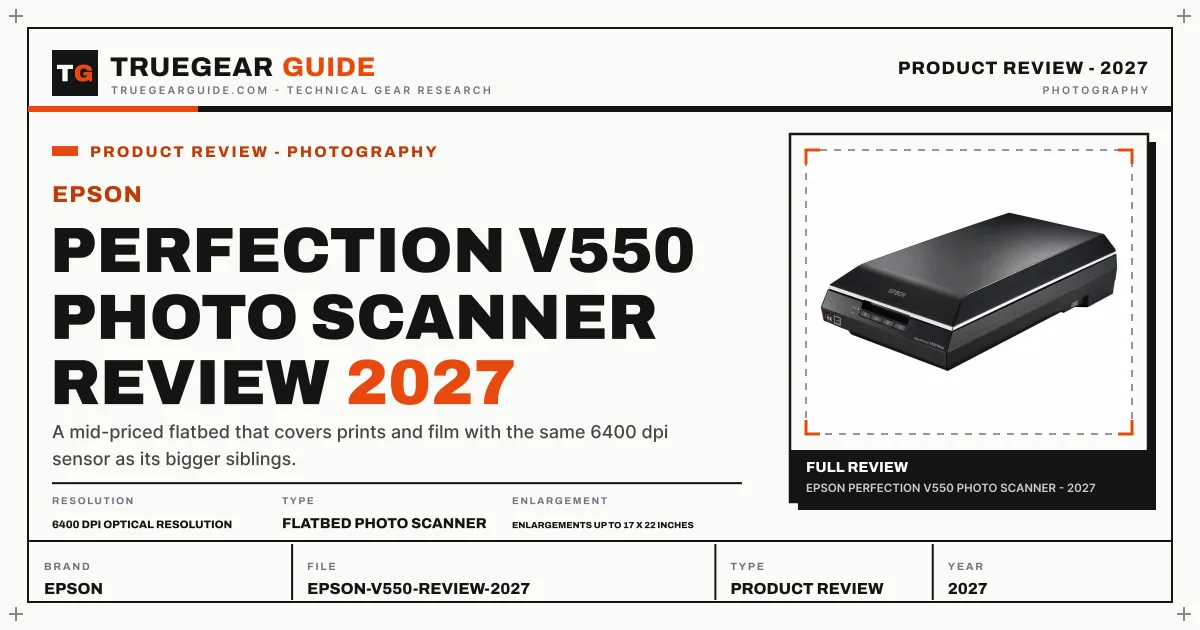

Epson Perfection V550 Photo Scanner
A mid-priced flatbed that covers prints and film with the same 6400 dpi sensor as its bigger siblings.
Our verdict
The V550 is the quiet value pick in the Epson flatbed line. It shares the V600's 6400 dpi optical sensor and Digital ICE dust removal, scans 35mm and medium-format film, and starts instantly on ReadyScan LED with no warm-up. Its honest gaps are availability and software: some listings show inflated third-party prices, so the real street price varies, and the bundled software is basic next to SilverFast. For home users who want film scanning without paying for the pro model, it is the most scanner per dollar in this guide.
What we like
- 6400 dpi resolution matches the more expensive Epson photo flatbeds
- Digital ICE cleans dust from film automatically
- ReadyScan LED needs no warm-up time
- Enlargements up to 17 x 22 inches stay sharp
What to watch out for
- Some listings show inflated third-party prices, so the real street price varies
- No feeder, so every original is placed by hand
- USB 2.0 only, with no wireless option
- The bundled software is basic next to SilverFast
What owners report: Epson Perfection V550 Photo Scanner
Synthesized from recurring themes in long-term owner feedback.
Most praised
- Film scans look crisp with dust spots removed
- Prints come out with natural, vivid color
- The scanner starts instantly with no warm-up wait
Common complaints
- Finding it at a fair price takes patience because stock varies
- The lid feels light and flimsy for the size
- The software lacks the fine controls of pro packages
Who it is for
Home users who want film scanning without paying for the pro model.
The same sensor as its bigger siblings
The V550's argument is simple: the same 6400 dpi optical sensor and the same Digital ICE dust removal as the V600, in a mid-tier flatbed. Film scans look crisp with dust spots removed, prints come out with natural, vivid color, and enlargements up to 17 x 22 inches stay sharp. The ReadyScan LED needs no warm-up time, so the scanner starts instantly. For the numbers that decide scan quality, the V550 gives away almost nothing to its bigger siblings, and owners who bought on the sensor alone are consistently satisfied.
Where it gives ground to the V600
The differences are in the details, not the sensor. The lid feels light and flimsy for the size, the bundled software lacks the fine controls of pro packages, and the USB 2.0 connection has no wireless option. The bigger practical problem is buying one: some listings show inflated third-party prices, so finding it at a fair price takes patience, and stock varies. Buyers should check the seller and the price before ordering, because the V550's value depends entirely on paying the mid-tier price rather than a collector's markup.
Who should buy it, and who should not
Buy the V550 if your job is prints and film at home and you want the Epson sensor without the Epson premium. Do not buy it for batch work: like every flatbed here, it places each original by hand, and a thousand prints will take weekends. Do not buy it if you need a feeder, wireless scanning or pro software, because it has none of those. Within its range it is the best value flatbed in this guide; outside its range it is the wrong box.
Key specifications
- Resolution
- 6400 dpi optical resolution
- Type
- Flatbed photo scanner
- Enlargement
- Enlargements up to 17 x 22 inches
- Dust removal
- Digital ICE dust and scratch removal
- Light source
- ReadyScan LED, no warm-up time
- Film
- Scans 35mm and medium-format film
Also consider
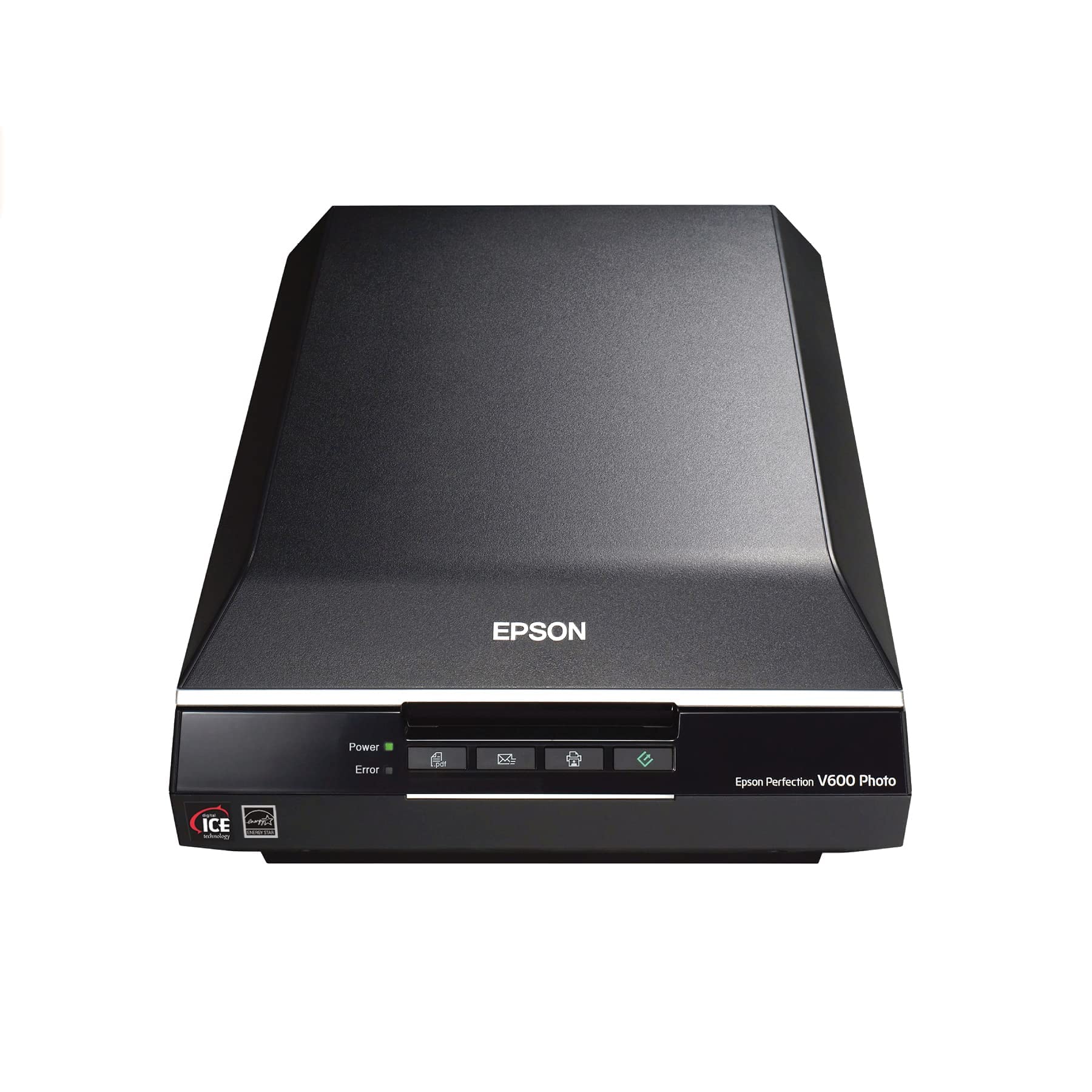
Epson Perfection V600 Photo Scanner
The classic flatbed for prints and film, with the resolution and dust removal that made it the default home photo scanner.
Why consider it: The established Epson flatbed default, with the widest owner base and the most documented workflow
- Resolution: 6400 dpi optical resolution
- Type: Flatbed photo scanner

Epson Perfection V850 Pro Photo Scanner
A pro-grade flatbed for film archivists who want the finest detail and tonal range from every frame.
Why consider it: The archival step up, with a dual-lens system and 4.0 Dmax for serious film work
- Resolution: 6400 dpi optical resolution
- Optics: Dual-lens scanning system
Research-based assessment. TrueGear has not hands-on tested this product; this evaluation synthesizes manufacturer specifications, retailer documentation, and published expert reviews.
Questions, answered
Is the V550 still a good scanner in 2027?
Yes, for prints and film at home. Its 6400 dpi sensor and Digital ICE dust removal match the V600 on the numbers that decide scan quality. The risks are availability and price: some listings show inflated third-party prices, so buy from a reputable seller at a fair price, and check that the listing is the V550 and not a different model.
V550 or V600: which is better for film?
Both scan film well, with the same 6400 dpi sensor and Digital ICE. The V600 is the established default with the widest owner base, while the V550 is the value pick when found at a fair price. The choice should turn on availability and price, not on the spec sheet, because the two are close enough that either serves a home film archive.
Does the V550 need warm-up time?
No. The ReadyScan LED light source needs no warm-up, so the scanner starts instantly when switched on. That is a small quality-of-life advantage over older scanners with lamps that needed minutes to reach full brightness before the first scan.
Every guide on Photo Scanners15 pages
- Topic hubPhoto Scanners
- Best ofThe Best Scanners for Photos (2027)
- Old photos are three different jobs wearing one name. Loose prints in a shoebox want a feeder, because a flatbed places each one by hand and a thousand prints at one minute each is a lost weekend. Fragile prints, prints glued into albums and oversized originals want a flatbed, because a feeder roller will damage them. And slides and negatives want film handling with dust removal, because a print scanner cannot see through film at all. This ranking weights the job first and the scanner second, so the feeder leads for loose prints, the flatbed leads for fragile ones, and the film tools rank on dust removal rather than speed.The Best Scanners for Old Photos (2027)
- A flatbed is the only scanner that takes almost anything: prints, film in holders, pages from a bound album, a fragile print that would never survive a roller, an object too thick for a feeder. This ranking weights the glass first: optical resolution for the detail, a transparency unit for film, dust removal for old negatives, and a lid that rises for thick originals. Feeders appear at the bottom only as honest alternatives, for buyers who came looking for a flatbed and actually need speed more than they need the glass.The Best Flatbed Photo Scanners (2027)
- Budget here means value per scan, not the cheapest scanner in the drawer. A scanner that costs very little and cannot scan your film, or that scans so slowly you never finish the box, is not a bargain. This ranking weights honest performance on everyday prints above everything else, and it rewards scanners that do one job well over scanners that promise everything. The premium entries appear because they are the stretch worth making when the job is film or a thousand prints, not because a first-time buyer should buy them for one album.The Best Budget Photo Scanners (2027)
- ReviewEpson Perfection V600 Photo Scanner Review (2027)
- ReviewEpson Perfection V850 Pro Photo Scanner Review (2027)
- ReviewEpson FastFoto FF-680W Photo Scanner Review (2027)
- ReviewPlustek ePhoto Z300 Photo Scanner Review (2027)
- ReviewCanon CanoScan LiDE 400 Slim Scanner Review (2027)
- Head to headEpson Perfection V600 Photo Scanner vs Epson Perfection V850 Pro Photo Scanner (2027)
- Head to headEpson FastFoto FF-680W Photo Scanner vs Plustek ePhoto Z300 Photo Scanner (2027)
- Buying guidePhoto Scanner Buying Guide (2027)
- Fix itPhoto Scanner Giving Blurry or Streaked Scans? Fixes (2027)