In-depth review
Plustek ePhoto Z300 Photo Scanner Review (2027)
The Z300 feeds a 4x6 photo in about two seconds with auto crop and deskew. Our research-based verdict on the compact photo feeder.
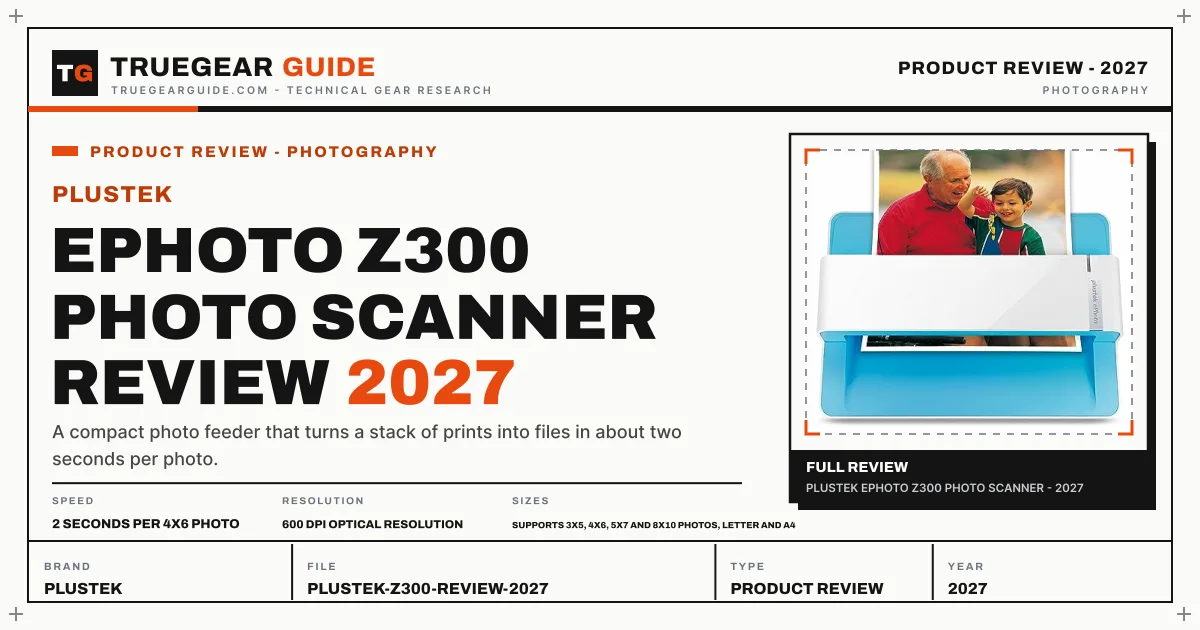

Plustek ePhoto Z300 Photo Scanner
A compact photo feeder that turns a stack of prints into files in about two seconds per photo.
Our verdict
The Z300 is the compact feeder for print collections that do not justify the FastFoto. It scans a 4x6 photo in about two seconds, auto-crops and deskews each photo as it feeds, and fits on a crowded desk in a small blue-and-white body. Its limits are a 600 dpi ceiling, no film support at all, and a single-sheet feed that still needs attention on thicker stacks. For quick digitizing of standard-size prints, it is the most convenient scanner in this guide. For film or enlargements, it is the wrong box.
What we like
- Scans a 4x6 photo in about two seconds
- Auto crop and deskew straighten each photo as it feeds
- CCD sensor with LED light keeps colors steady
- Handles sizes from 3x5 up to letter and A4
What to watch out for
- 600 dpi ceiling limits enlargements
- No film or slide support at all
- The single-sheet feed means thicker stacks still need attention
- Color accuracy can lean cool on some prints
What owners report: Plustek ePhoto Z300 Photo Scanner
Synthesized from recurring themes in long-term owner feedback.
Most praised
- Feeding prints one after another feels quick and simple
- The auto-crop saves the step of trimming each scan by hand
- The small blue-and-white body fits on a crowded desk
Common complaints
- Scans sometimes come out with a slight blue tint
- The software only allows limited batch sizes per run
- The feed can skew a photo that is not placed straight
Who it is for
Home users digitizing standard-size prints quickly without a flatbed taking over the desk.
Two seconds a photo, and the auto-crop that makes it work
Speed is the Z300's argument, and the auto-crop is what makes the speed usable: each photo is cropped and straightened as it feeds, so the owner does not trim every scan by hand afterwards. The CCD sensor with an LED light source keeps colors steady across a batch, and the feeder handles sizes from 3x5 up to letter and A4, which covers the standard print sizes in most family collections. Owners describe feeding prints one after another as quick and simple, which is exactly the experience a small feeder has to deliver.
The 600 dpi ceiling, honestly stated
Six-hundred dpi is enough for prints shared online and reprinted at the same size, and it is not enough for enlarging a small print or for film, which the Z300 cannot scan at all. Color accuracy can lean cool on some prints, which needs a correction pass for owners who care about exact color. The single-sheet feed means thicker stacks still need attention, and the software only allows limited batch sizes per run. Buyers should understand the ceiling before ordering: this is a fast print digitizer, not an archival scanner.
Where it sits against the FastFoto
Against the Epson FastFoto FF-680W, the Z300 is smaller, quieter and cheaper, and slower: about two seconds a photo against the FastFoto's one, with a smaller batch capacity and no duplex capture of the backs of prints. For a few hundred prints, the difference is minutes. For a few thousand, it is hours, and the FastFoto earns its premium. The honest summary: buy the Z300 for the drawer of prints, the FastFoto for the shoebox, and a flatbed for anything that is not a loose print.
Key specifications
- Speed
- 2 seconds per 4x6 photo
- Resolution
- 600 dpi optical resolution
- Sizes
- Supports 3x5, 4x6, 5x7 and 8x10 photos, letter and A4
- Auto features
- Auto crop and deskew with CCD sensor
- Systems
- Works with Mac and PC
- Sensor
- CCD sensor with LED light source
Also consider
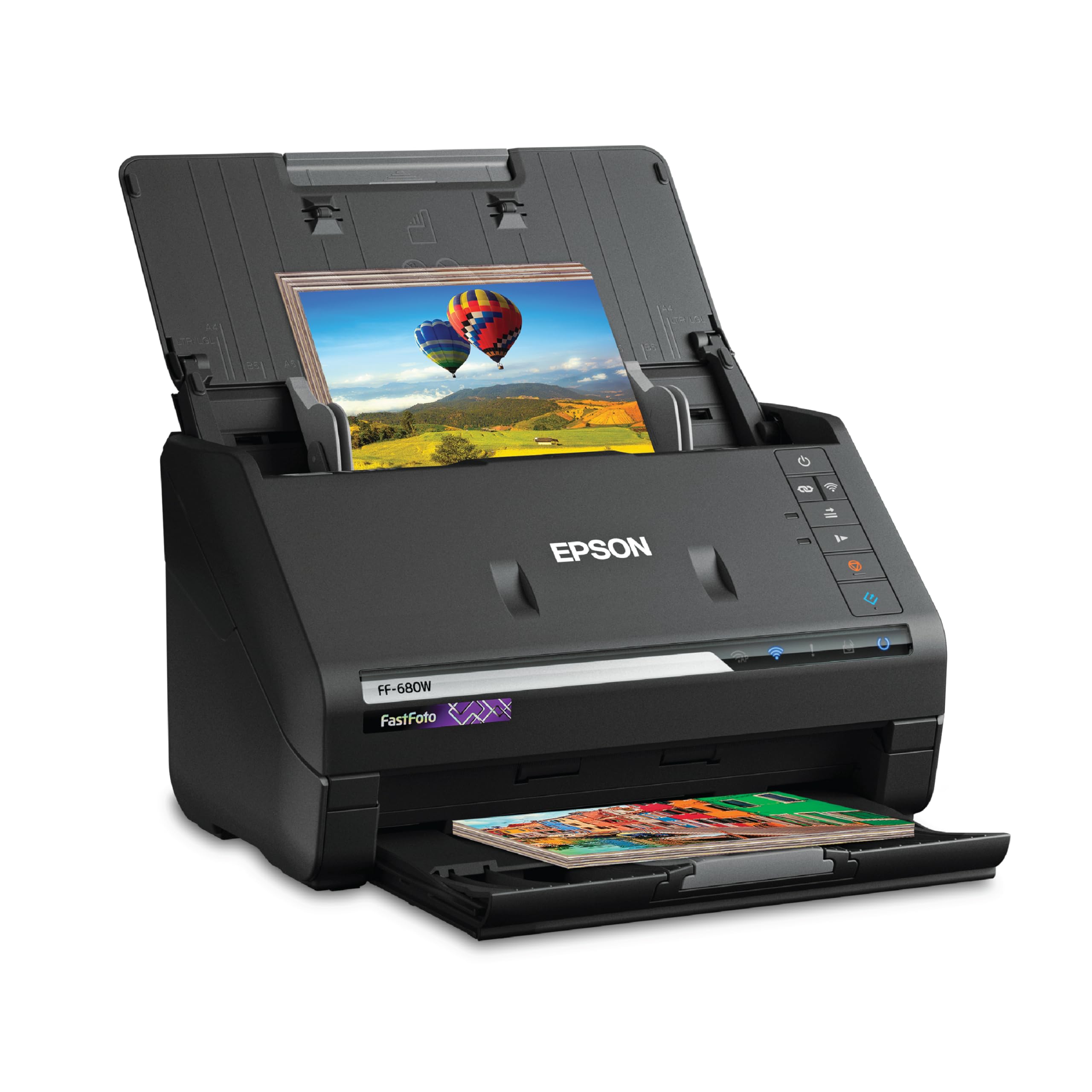
Epson FastFoto FF-680W Photo Scanner
The fastest way through a shoebox of prints, feeding photos one per second with automatic cleanup.
Why consider it: The faster photo feeder, for shoeboxes of prints where speed is the whole job
- Speed: 1 photo per second at 300 dpi
- Batch size: Up to 36 photos at a time
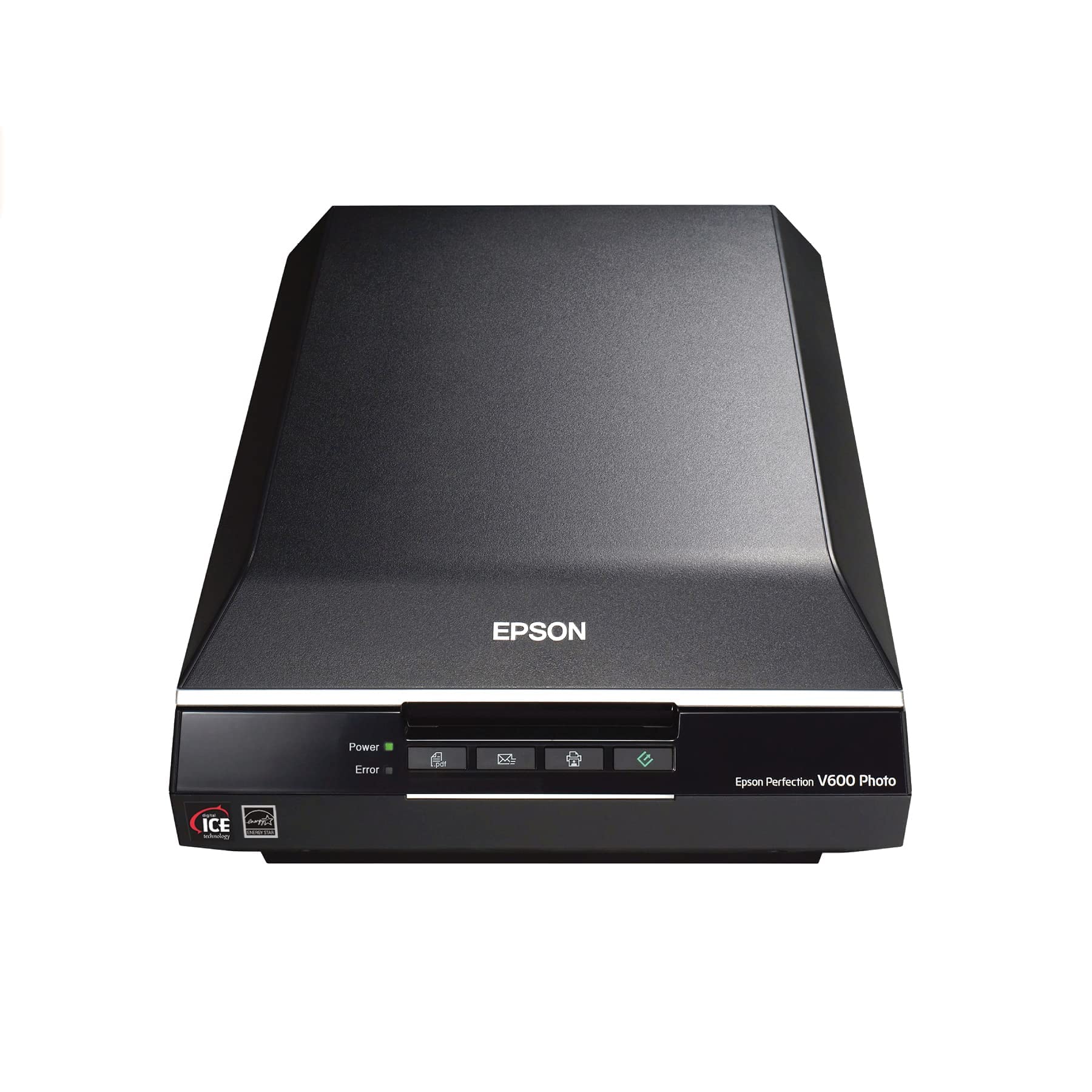
Epson Perfection V600 Photo Scanner
The classic flatbed for prints and film, with the resolution and dust removal that made it the default home photo scanner.
Why consider it: The flatbed alternative, for film, slides and fragile prints the feeder cannot take
- Resolution: 6400 dpi optical resolution
- Type: Flatbed photo scanner
Research-based assessment. TrueGear has not hands-on tested this product; this evaluation synthesizes manufacturer specifications, retailer documentation, and published expert reviews.
Questions, answered
How fast is the Plustek Z300?
It scans a 4x6 photo in about two seconds, with auto crop and deskew as it feeds. That is fast enough for a few hundred prints in one sitting, and slower than the FastFoto FF-680W, which scans about one photo per second. For small collections the difference is small; for large ones it adds up.
Can the Z300 scan film or slides?
No. It is a print-only feeder with no transparency unit and no film holders, and a 600 dpi ceiling. Film and slides need a flatbed like the Epson V600 or V850 Pro, or a standalone digitizer like the Kodak Slide N Scan.
What photo sizes does the Z300 handle?
It handles sizes from 3x5 up to letter and A4, including 4x6, 5x7 and 8x10 prints. That covers the standard print sizes in most family collections. Oversized prints and fragile originals belong on a flatbed instead.
Every guide on Photo Scanners15 pages
- Topic hubPhoto Scanners
- Best ofThe Best Scanners for Photos (2027)
- Old photos are three different jobs wearing one name. Loose prints in a shoebox want a feeder, because a flatbed places each one by hand and a thousand prints at one minute each is a lost weekend. Fragile prints, prints glued into albums and oversized originals want a flatbed, because a feeder roller will damage them. And slides and negatives want film handling with dust removal, because a print scanner cannot see through film at all. This ranking weights the job first and the scanner second, so the feeder leads for loose prints, the flatbed leads for fragile ones, and the film tools rank on dust removal rather than speed.The Best Scanners for Old Photos (2027)
- A flatbed is the only scanner that takes almost anything: prints, film in holders, pages from a bound album, a fragile print that would never survive a roller, an object too thick for a feeder. This ranking weights the glass first: optical resolution for the detail, a transparency unit for film, dust removal for old negatives, and a lid that rises for thick originals. Feeders appear at the bottom only as honest alternatives, for buyers who came looking for a flatbed and actually need speed more than they need the glass.The Best Flatbed Photo Scanners (2027)
- Budget here means value per scan, not the cheapest scanner in the drawer. A scanner that costs very little and cannot scan your film, or that scans so slowly you never finish the box, is not a bargain. This ranking weights honest performance on everyday prints above everything else, and it rewards scanners that do one job well over scanners that promise everything. The premium entries appear because they are the stretch worth making when the job is film or a thousand prints, not because a first-time buyer should buy them for one album.The Best Budget Photo Scanners (2027)
- ReviewEpson Perfection V600 Photo Scanner Review (2027)
- ReviewEpson Perfection V850 Pro Photo Scanner Review (2027)
- ReviewEpson FastFoto FF-680W Photo Scanner Review (2027)
- ReviewEpson Perfection V550 Photo Scanner Review (2027)
- ReviewCanon CanoScan LiDE 400 Slim Scanner Review (2027)
- Head to headEpson Perfection V600 Photo Scanner vs Epson Perfection V850 Pro Photo Scanner (2027)
- Head to headEpson FastFoto FF-680W Photo Scanner vs Plustek ePhoto Z300 Photo Scanner (2027)
- Buying guidePhoto Scanner Buying Guide (2027)
- Fix itPhoto Scanner Giving Blurry or Streaked Scans? Fixes (2027)