Head to head
Epson Perfection V600 Photo Scanner vs Epson Perfection V850 Pro Photo Scanner (2027)
The two Epson photo flatbeds compared: the V600 home default against the V850 Pro archival scanner, on resolution, film handling and price.
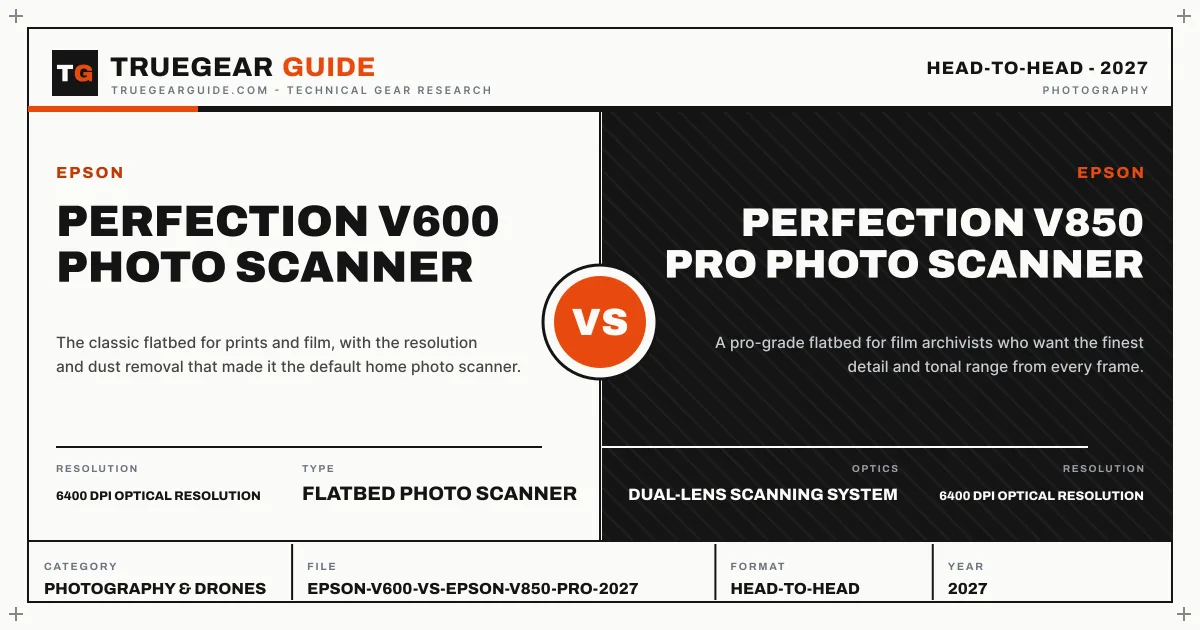
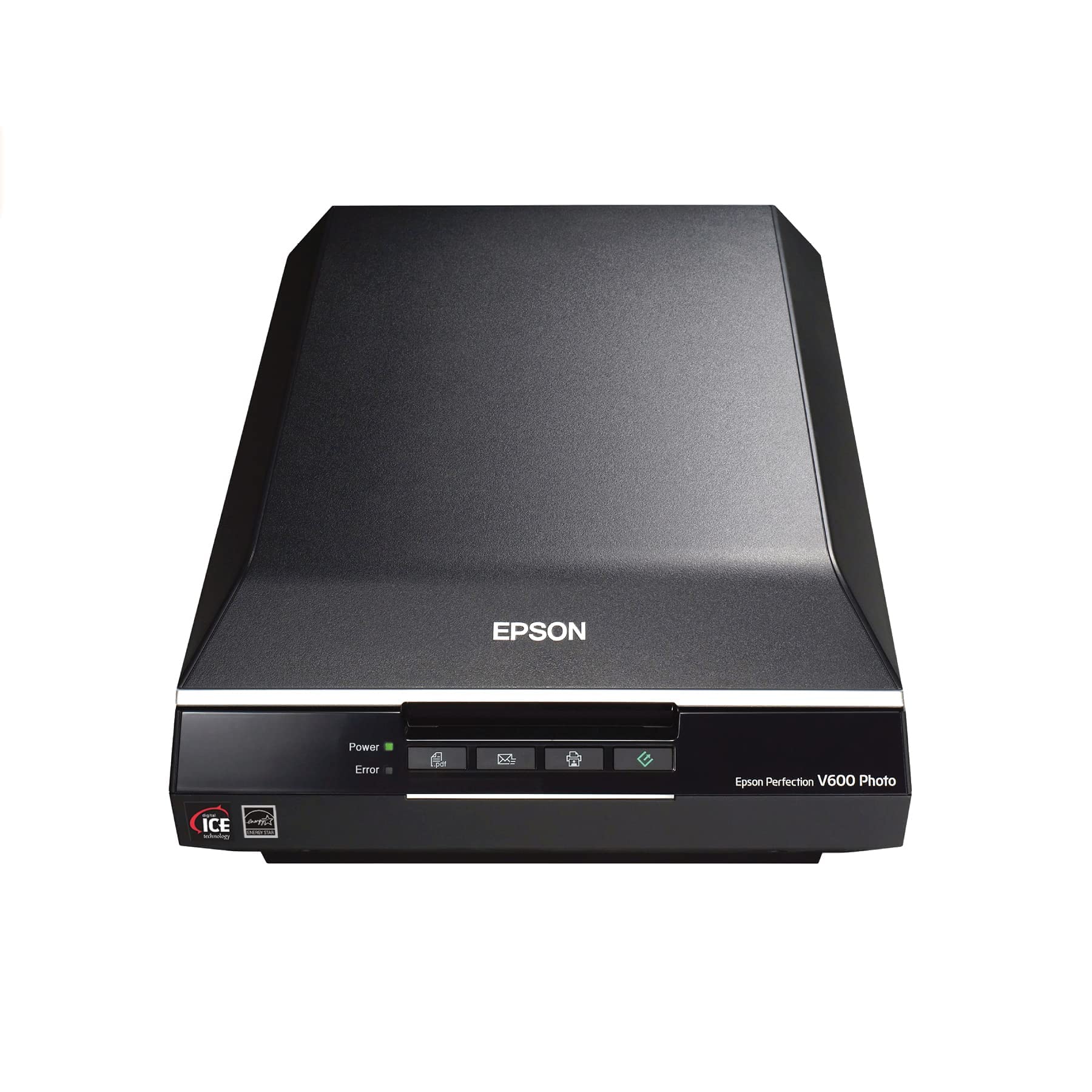
Epson Perfection V600 Photo Scanner
The classic flatbed for prints and film, with the resolution and dust removal that made it the default home photo scanner.
- Resolution: 6400 dpi optical resolution
- Type: Flatbed photo scanner

Epson Perfection V850 Pro Photo Scanner
A pro-grade flatbed for film archivists who want the finest detail and tonal range from every frame.
- Resolution: 6400 dpi optical resolution
- Optics: Dual-lens scanning system
What owners report
Most praised
- Prints come out sharp with faithful color on the first pass
- Old slides and negatives look far better than expected after dust removal
- The buttons make repeat scanning quick once the workflow is set
Common complaints
- Scanning a large print collection feels slow because each photo is placed by hand
- The bundled software feels dated and takes a while to learn
- High-resolution scans of film can take a long time per frame
What owners report
Most praised
- Shadow detail in old negatives comes back in a way cheaper flatbeds miss
- Colors stay true across a whole roll once calibrated
- The film holders keep strips flat and aligned
Common complaints
- The price is hard to justify for anyone scanning prints only
- Setup and calibration take patience before the first good scan
- The scanner is bulky and heavy to move
Our recommendation
Buy the V600 if your archive is prints with some film in it, because it shares the V850 Pro's 6400 dpi sensor and Digital ICE at a mid tier, and it handles everything a family collection holds. Buy the V850 Pro if your archive is film first, because its dual-lens system and 4.0 Dmax hold shadow detail and color that the V600 misses on serious negatives, and its holders cover formats up to 4x5. The honest answer for a photographer with rolls of film is the V850 Pro; for everyone else, the V600 is the scanner, and the money saved buys the storage and the time to finish the job.
Optics: one lens against two
Both scanners offer 6400 dpi optical resolution, but they get there differently. The V850 Pro carries a dual-lens system that picks the right lens for prints or film automatically, so each original is scanned through the lens built for it. The V600 uses a single lens for everything. On prints the difference rarely shows. On film it does, because the film lens resolves finer detail and holds contrast better in the shadows of a negative.
Tonal range: 4.0 Dmax against the standard sensor
The V850 Pro quotes 4.0 Dmax, a measure of how much detail it holds in the darkest tones of a negative. The V600 does not publish a Dmax figure, and its sensor holds less shadow detail. Owners of both describe the same gap: old negatives scanned on the V850 Pro show detail in shadows that the V600 renders as black. For prints, Dmax matters little. For film, it is the number that decides whether the scan is an archive or a souvenir.
Film formats: 35mm and medium format against 4x5
The V600's holders cover 35mm film strips, mounted slides and medium-format film. The V850 Pro adds a second set of holders that extends the range to 4x5-inch sheet film, which is the format large-format photographers shoot. A buyer with 4x5 negatives has no choice to make: only the V850 Pro takes them. A buyer with 35mm and medium format can choose either, and the choice turns on quality, not coverage.
Software: basic Epson against SilverFast and calibration
The V600 ships with Epson's own scanning software, which is capable and dated. The V850 Pro adds SilverFast SE Plus, pro software with finer control over exposure, color and dust removal, and an X-Rite calibration target that profiles the scanner for consistent color. The V850 Pro asks more of its owner: setup and calibration take patience, and SilverFast has a real learning curve. The V600 asks less and gives back a little less on film.
Choose Epson Perfection V600 Photo Scanner if…
- Your archive is prints with some film in it
- You want the established default with the widest owner base
- A mid tier suits the budget better than a premium one
- You want the simplest workflow that still handles film
Choose Epson Perfection V850 Pro Photo Scanner if…
- Your archive is film first, especially 35mm and medium format
- Shadow detail in old negatives matters to you
- You shoot or inherit 4x5-inch sheet film
- You will calibrate and use the pro software properly
Questions, answered
Do the V600 and V850 Pro have the same resolution?
Yes, both offer 6400 dpi optical resolution. The difference is not the headline number but the optics and tonal range behind it: the V850 Pro adds a dual-lens system and 4.0 Dmax, which show on film, especially in shadow detail and color consistency across a roll.
Which one is better for scanning old family negatives?
The V850 Pro, if the negatives are the archive and quality matters: its dual lenses and Dmax hold more detail from each frame. The V600, if the negatives are part of a mixed family collection and the budget matters: it scans the same film well, with Digital ICE dust removal, at a mid tier.
Can I own both Epson flatbeds?
Yes, though few households need to: the V600 for everyday prints and quick film work, the V850 Pro for the serious film archive. Most buyers should pick one by the hardest original in the box, not by owning both.
Every guide on Photo Scanners15 pages
- Topic hubPhoto Scanners
- Best ofThe Best Scanners for Photos (2027)
- Old photos are three different jobs wearing one name. Loose prints in a shoebox want a feeder, because a flatbed places each one by hand and a thousand prints at one minute each is a lost weekend. Fragile prints, prints glued into albums and oversized originals want a flatbed, because a feeder roller will damage them. And slides and negatives want film handling with dust removal, because a print scanner cannot see through film at all. This ranking weights the job first and the scanner second, so the feeder leads for loose prints, the flatbed leads for fragile ones, and the film tools rank on dust removal rather than speed.The Best Scanners for Old Photos (2027)
- A flatbed is the only scanner that takes almost anything: prints, film in holders, pages from a bound album, a fragile print that would never survive a roller, an object too thick for a feeder. This ranking weights the glass first: optical resolution for the detail, a transparency unit for film, dust removal for old negatives, and a lid that rises for thick originals. Feeders appear at the bottom only as honest alternatives, for buyers who came looking for a flatbed and actually need speed more than they need the glass.The Best Flatbed Photo Scanners (2027)
- Budget here means value per scan, not the cheapest scanner in the drawer. A scanner that costs very little and cannot scan your film, or that scans so slowly you never finish the box, is not a bargain. This ranking weights honest performance on everyday prints above everything else, and it rewards scanners that do one job well over scanners that promise everything. The premium entries appear because they are the stretch worth making when the job is film or a thousand prints, not because a first-time buyer should buy them for one album.The Best Budget Photo Scanners (2027)
- ReviewEpson Perfection V600 Photo Scanner Review (2027)
- ReviewEpson Perfection V850 Pro Photo Scanner Review (2027)
- ReviewEpson FastFoto FF-680W Photo Scanner Review (2027)
- ReviewEpson Perfection V550 Photo Scanner Review (2027)
- ReviewPlustek ePhoto Z300 Photo Scanner Review (2027)
- ReviewCanon CanoScan LiDE 400 Slim Scanner Review (2027)
- Head to headEpson FastFoto FF-680W Photo Scanner vs Plustek ePhoto Z300 Photo Scanner (2027)
- Buying guidePhoto Scanner Buying Guide (2027)
- Fix itPhoto Scanner Giving Blurry or Streaked Scans? Fixes (2027)